Recently, I bought an Apple Watch. On one hand, I wanted to get rid of my phone and not have to use it for everything all the time. On the other hand, I wanted to track my sleep quality and adjust my biological clock. After using it for about two weeks, I discovered some pretty useful apps and wanted to share them.
Sleep Monitoring
I recommend using either AutoSleep or Pillow. AutoSleep is a one-time purchase app, not expensive, currently priced at 25 RMB on the App Store. Pillow uses in-app purchases—the basic features are free, but advanced sleep analysis and heart rate analysis require payment, priced at 188 RMB per year. However, the basic features are sufficient for most users. Taking Pillow as an example, after sleeping with the watch on, the app will send you a simple sleep report. Opening the app lets you see sleep duration, sleep quality, average heart rate, and sleep stages. These functions are generally good enough. If you prefer detailed sleep reports, buying AutoSleep for 25 RMB is more cost-effective. You can also use it together with the Sleep Cycle alarm, since the Apple default alarm sound can be quite startling.
Ps. Wearing a sport band while sleeping is really uncomfortable—consider switching to a braided band at night.
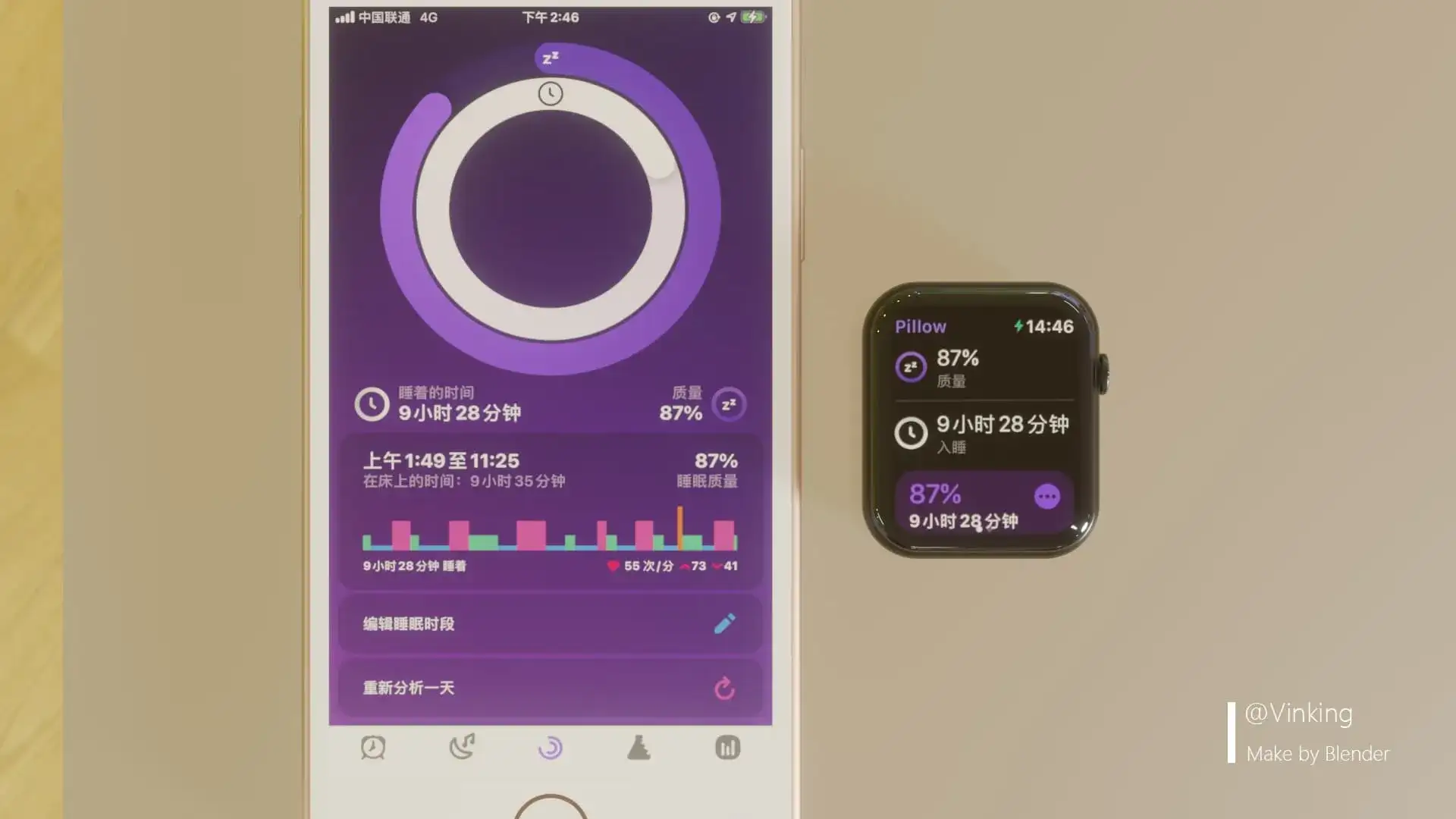
Pillow
Both AutoSleep and Pillow require downloading the corresponding app on the phone to function properly.
Exercise
The system’s built-in “Fitness” app is quite good. In the watch’s Workout app, just select a sport and start. During the exercise, it continuously records heart rate, calories burned, and other data. After finishing, the “Fitness” app immediately generates a workout report.
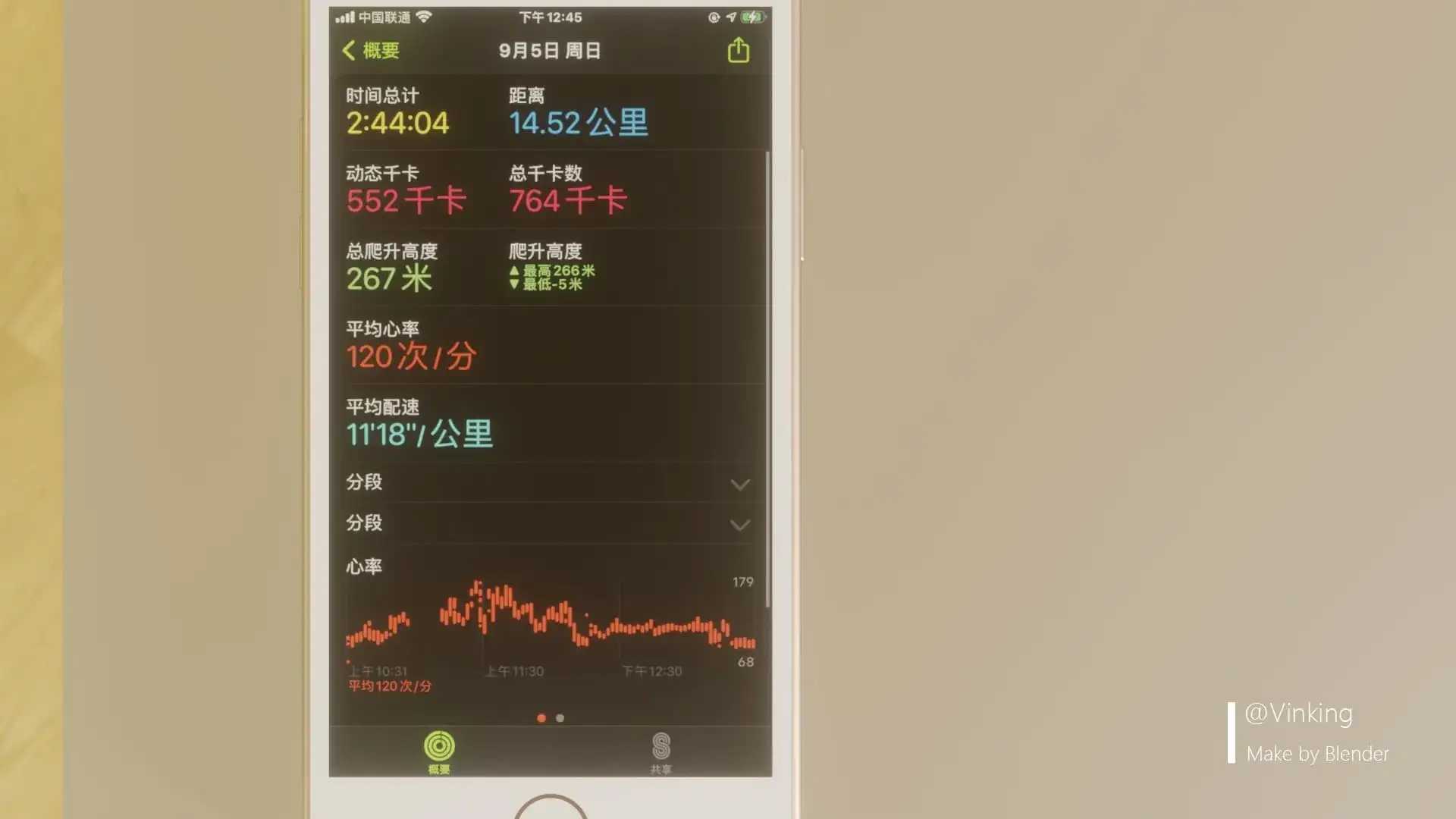
Workout Report
Forgot to press start in the Workout app before exercising? The watch will automatically analyze whether you’re currently exercising, and if so, automatically resume workout tracking. As for third-party apps like Keep and Nike+ Run Club, they have extra features like workout tutorials and leaderboards. I haven’t used them, so I won’t go into detail.
Ps. WeChat automatically retrieves workout results and displays them in WeChat SportsApple WatchHiking 164 minutes
If you prefer not to show this, go to Health → Browse → Profile → Apps → WeChat on your phone and turn off permission for “WeChat” to read workout data.
Audiobooks
I recommend the Ximalaya app. You can directly connect your Bluetooth earphones to the watch and play audiobooks or other audio files.
Anniversaries
I personally use Days Matter Air, mainly because other countdown apps require membership for custom backgrounds. The countdown page is very simple and clear, and aside from an ad for their own app on the settings page, I haven’t seen any other ads.
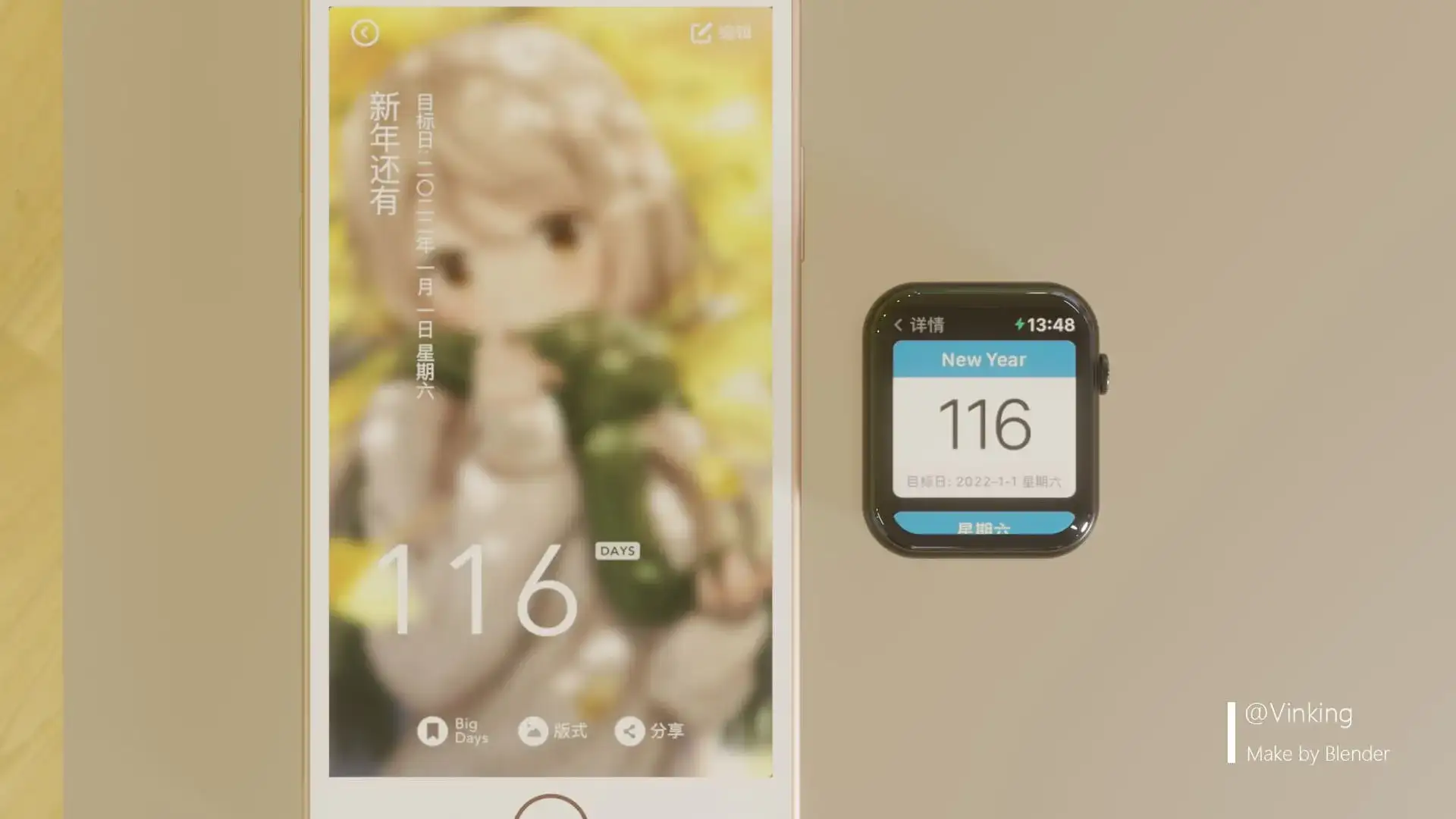
Anniversary
Others
Lemon Water Tracker
This is an app for tracking water intake. It allows you to record how many milliliters of water you drank today, and the interface looks very comfortable. Note that the amount of water needs to be entered manually, which can be a bit inconvenient. But it’s great for reminding yourself to drink water.
Evernote
A note-taking app—if you don’t want to grab your phone while studying or working, you can use the watch to check notes.