Complaint
Today I thought of creating a robot on WeChat Work to handle some tasks, but when I logged in, I found that I needed to verify my login.
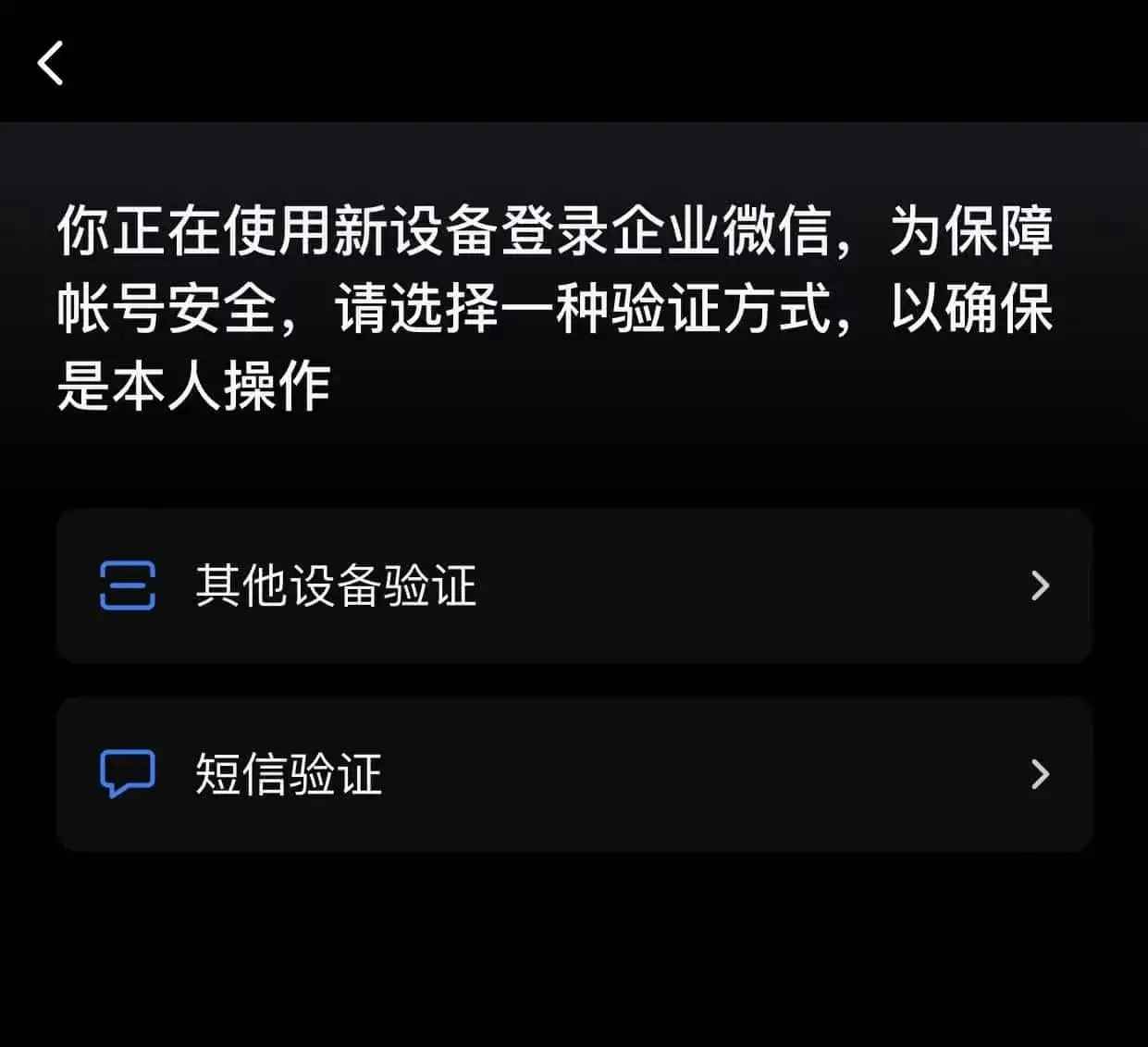
Login Verification
However, I had forgotten to update my phone number in WeChat Work after changing my number, so the verification SMS was sent to my old number. Looking at the other verification method—scanning a QR code with a phone that has WeChat Work already logged in—I felt a chill. There were only two verification methods, and neither was usable. Was I out of luck?
Looking at the official WeChat solution: to have the enterprise administrator contact WeChat Work's online customer service. Unfortunately, I am the enterprise administrator, so this method was also a dead end.

Official Solution
With no other options, I searched online for unconventional methods to bypass WeChat Work's login verification. After trying various methods throughout the afternoon, none worked for me. Finally, I noticed a button on the WeChat Work official website to contact customer service via WeChat's public account. With a glimmer of hope, I scanned the QR code, followed the public account, and reported my situation to the so-called customer service. As expected, I received a reply from a robot customer service, which was unhelpful.
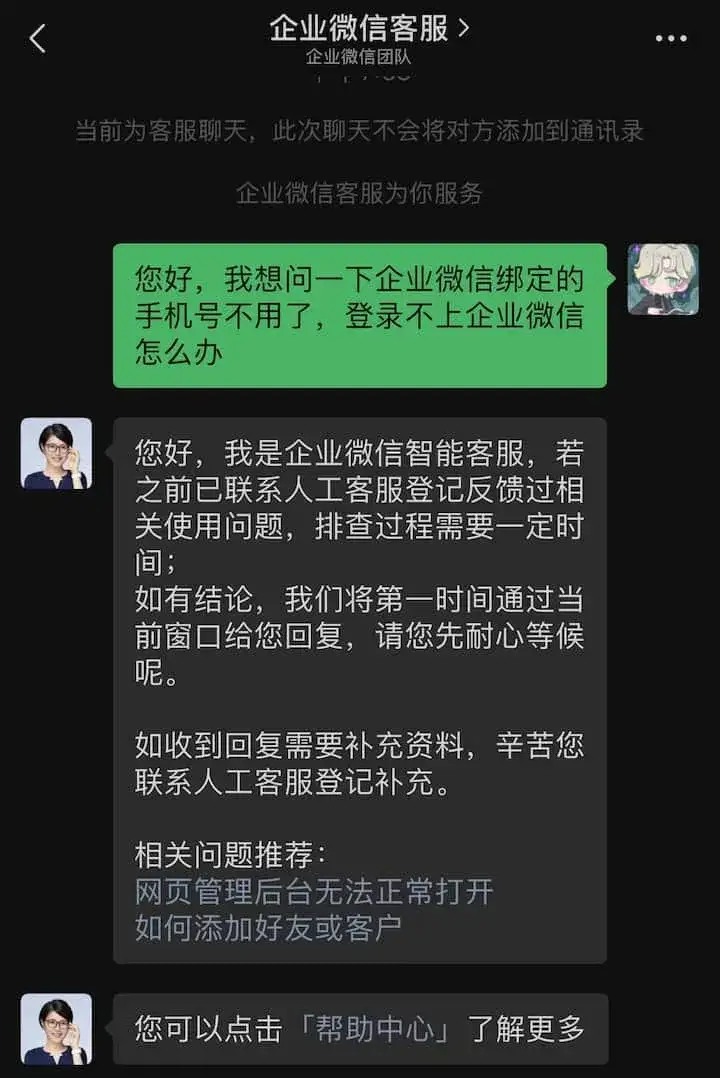
Robot Reply
Since there was a help center, I decided to check it out. At the bottom, there was a link to file a complaint ticket, which I clicked on:

Complaint Ticket
At this point, I had lost the motivation to figure out how to log in to WeChat Work. I couldn't understand why such a large company wouldn't provide a direct way to contact a human customer service representative... I also couldn't comprehend why a software could claim to enhance security with various restrictions, yet fail to provide accessible human customer service, creating a perfect deadlock.
Is it just because they are a monopoly?
Update on June 4, 2022: A Workaround Found
I found a way to change the bound phone number. First, open the Enterprise Email login page, scan the QR code to log in, and select the account that needs the phone number changed. Choose the first account to log in.

Enterprise Email Login Account
Once inside, select 'Settings' - 'Account' - 'Phone Number' - 'Change' in the top left corner, and then scan the QR code with WeChat to update the phone number.