While browsing Steam, I saw how cool and stylish other people's custom showcases were, and I wanted to create one for myself. After spending an afternoon on it, I finally managed to make one.

My Custom Showcase
First, obtain your 16-digit Steam ID and ensure your inventory is public. Then, you need to access the steam.tools website via a VPN, enter your 16-digit Steam ID to get the emoticon information for your account, and then select an image you want to create with emoticons.

Select an Image to Create with Emoticons
Here, adjust the width and height of the emoticon group. The width should not exceed 30, otherwise it will automatically wrap.

Adjust the Width and Height of the Emoticon Group
You can make detailed adjustments in the example image here. Once adjusted, press Export to export the code for the emoticon group.
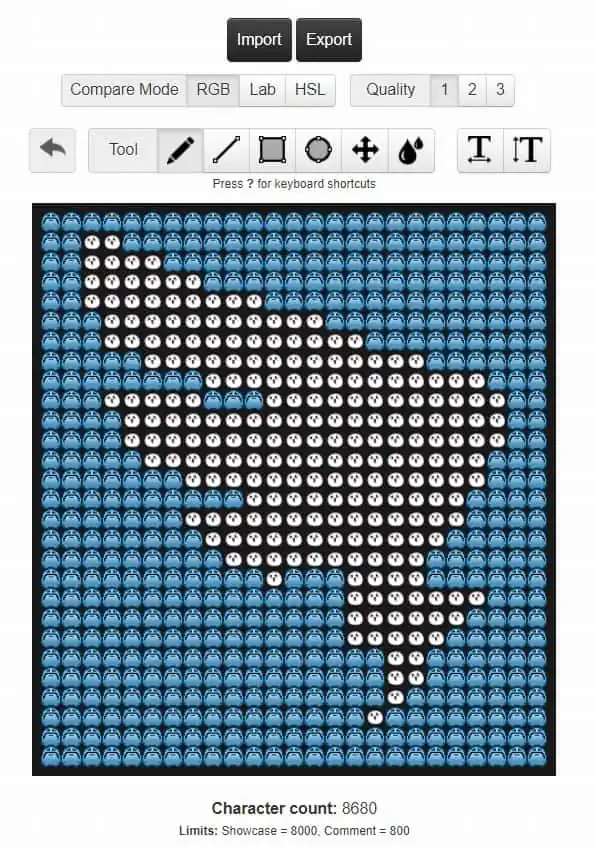
Export the Code for the Emoticon Group
Open Steam → Edit Profile → Custom Showcase → and paste the exported code there.
If!
You don't have access to a VPN, there is another method: Open Excel, arrange the layout in Excel, and then replace it with emoticons.

Arrange Layout in Excel
Copy the entire arrangement into Notepad and remove the spaces, and you're done.
Another important point to note is that Steam's custom showcase has a character limit, which is approximately 7800 to 7900 characters, so be mindful of the count; otherwise, it will end up like this with some parts missing.
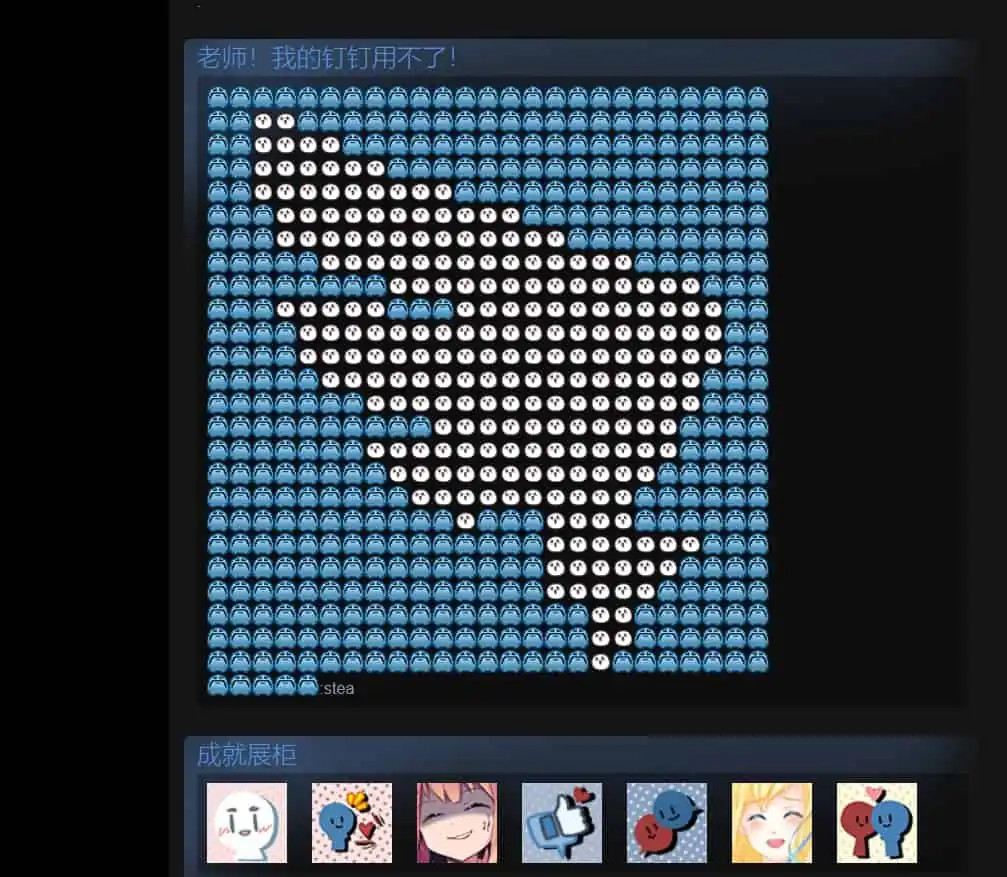
Character Limit Exceeded